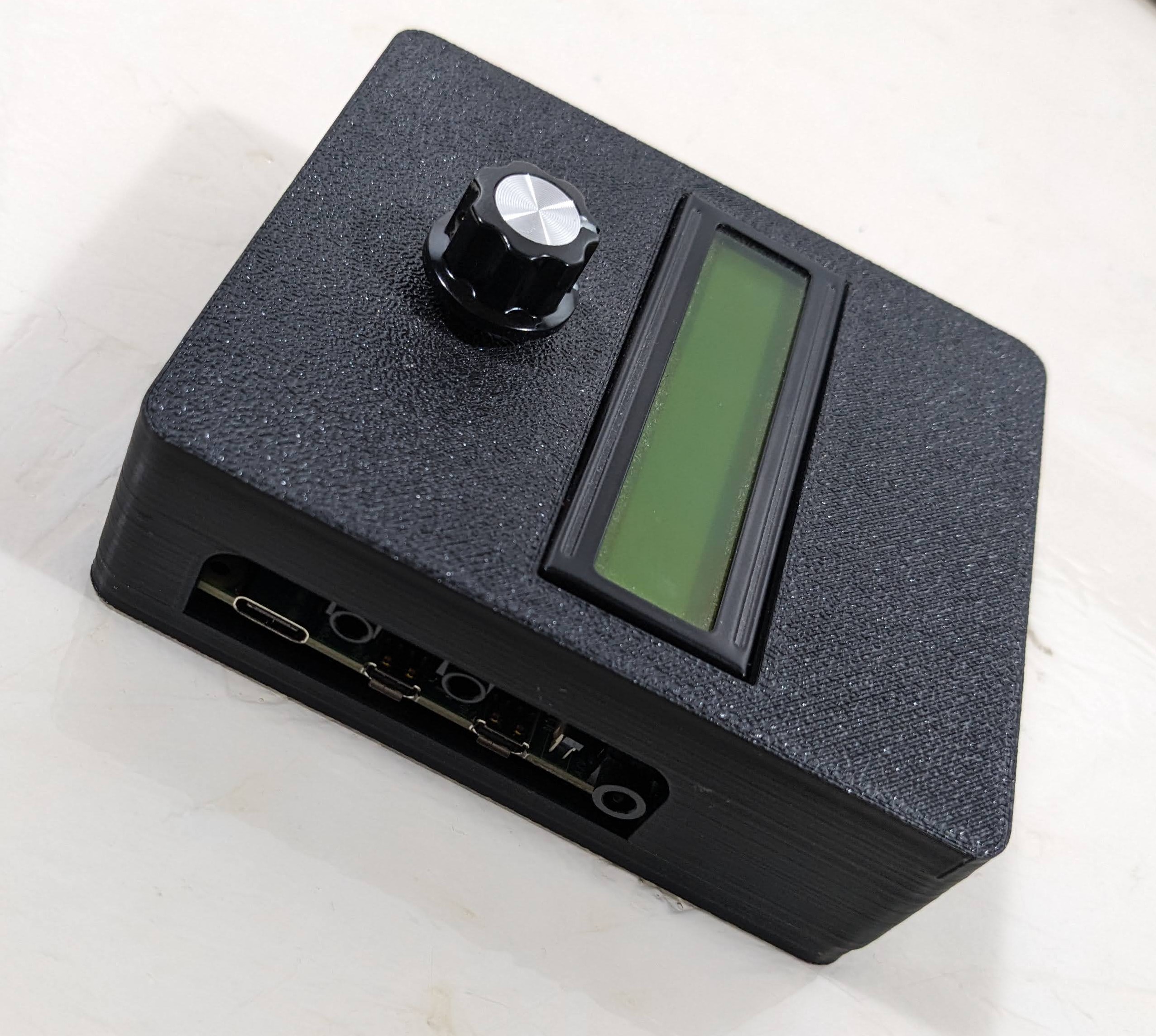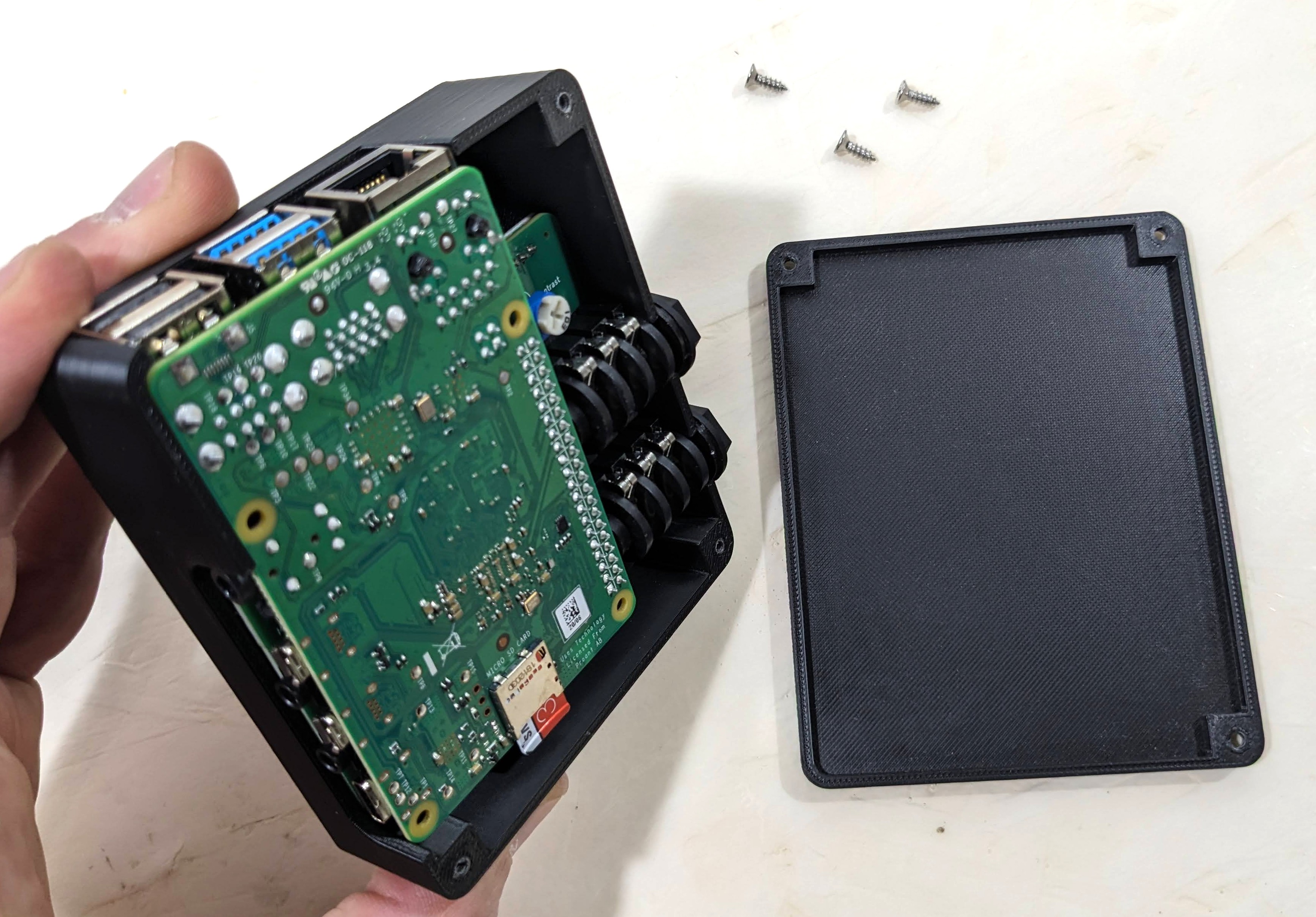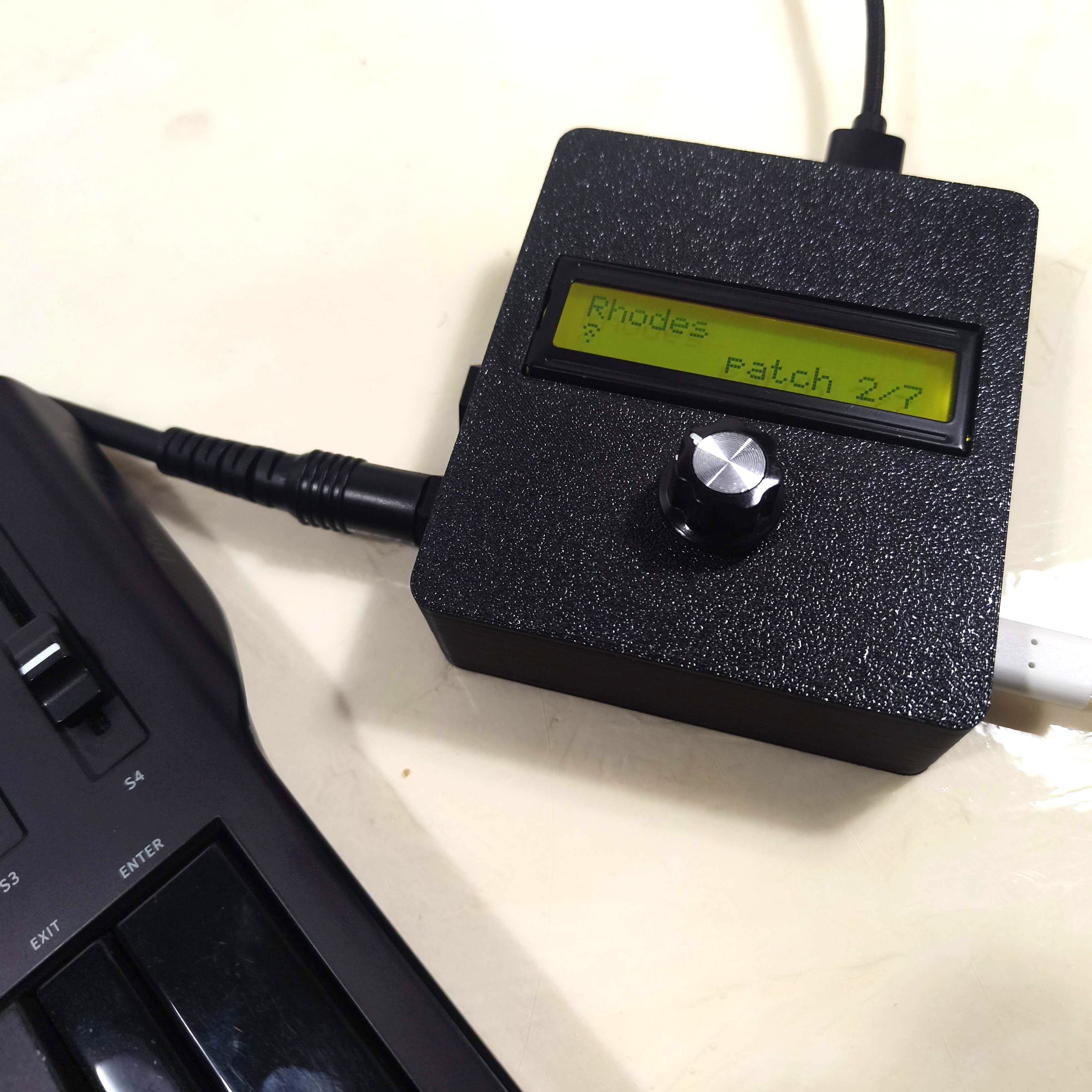
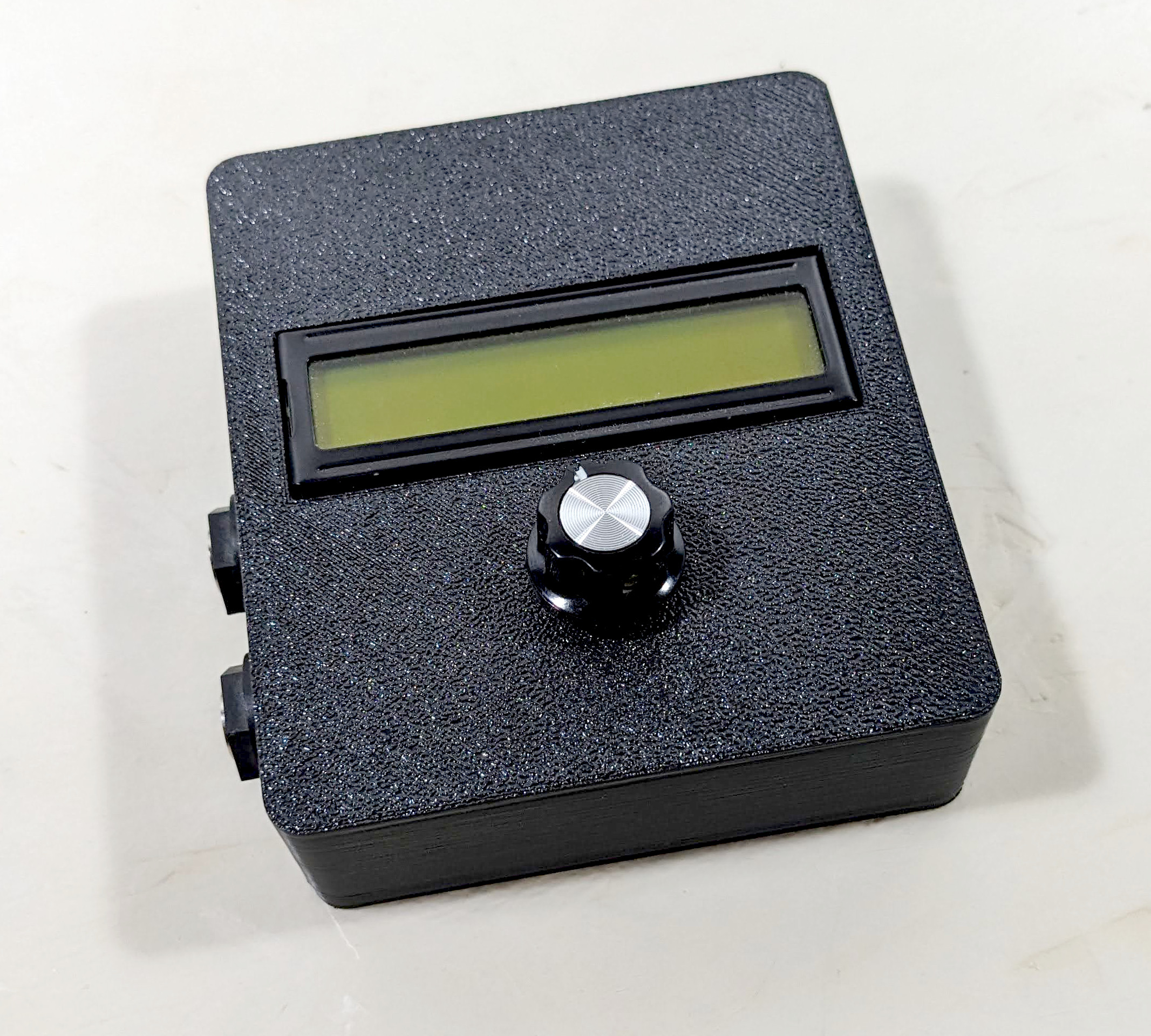
The SquishBox packages a Raspberry Pi into a format that makes using it feel more like operating a musical instrument than using a computer. It's designed to be a compact, portable software platform for audio projects such as synths, sound modules, pedalboard utilities, sequencers, and music players.
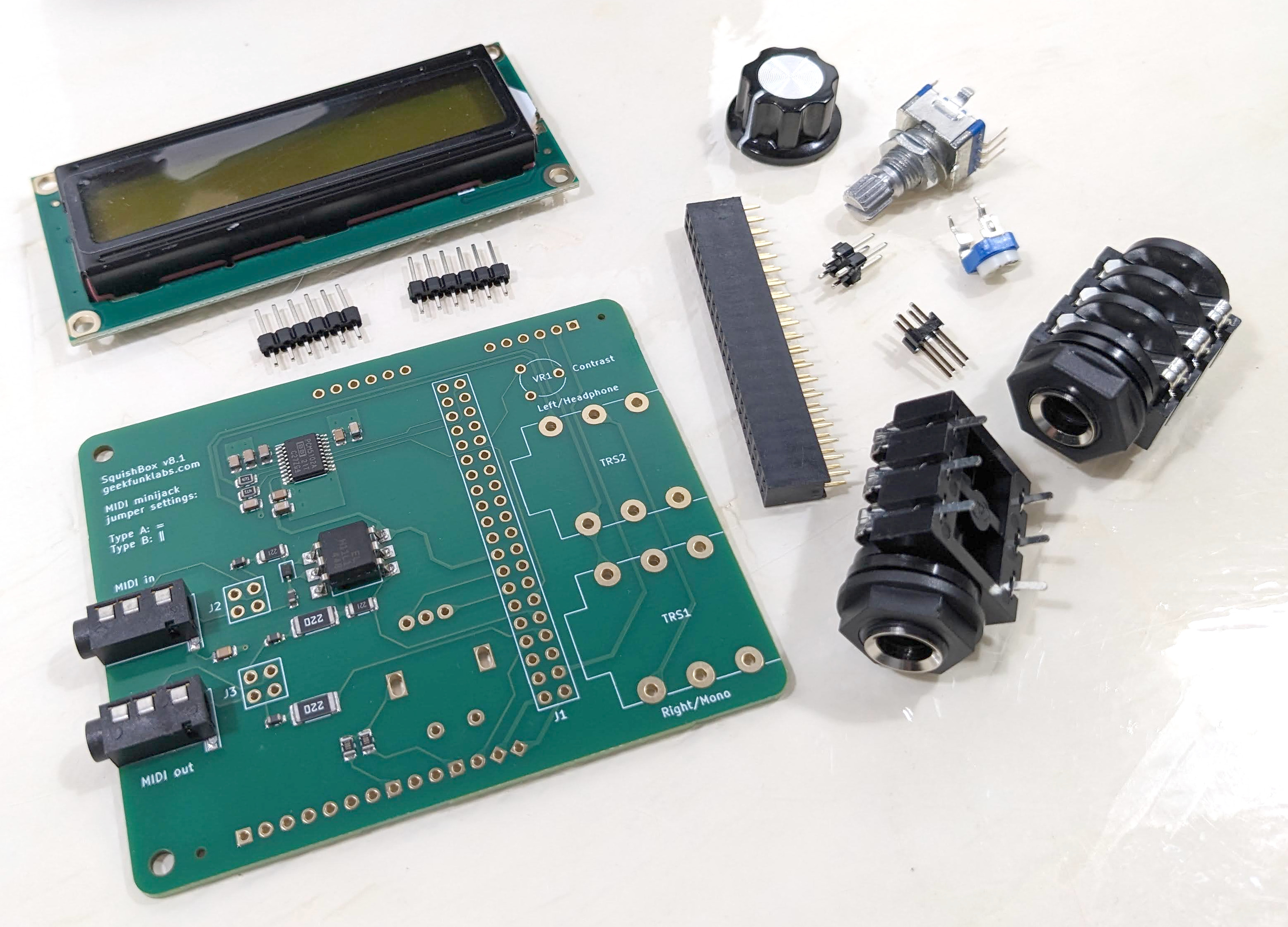
Physically, it's a compact add-on board (primarily targeted for the Pi 3B+ and Pi 4) that plugs into the GPIO header and provides:
- high-quality stereo DAC with 1/4" outputs
- MIDI in/out via TRS minijacks
- 16x2 character LCD
- pushbutton rotary encoder
- breakout GPIO for extra controls, LEDs, and peripherals
The SquishBox boots to a menu or selected application when powered on, and can be controlled entirely using the rotary encoder button and LCD, so you can just plug in a MIDI controller and audio cable and start playing. However, the SquishBox isn't a sealed appliance - all the Pi's connectors are accessible, so you can plug in a screen and keyboard and use it like a computer, because that's what it is.
Audio Apps
The software package provides python code to simplify access to the LCD, encoder, and any other added inputs/outputs, so you can write your own apps. Useful utilities for tasks such as editing files and copying to/from USB drives are bundled in. Several fully-developed audio apps are included:
- amsynthbox: a classic substractive analog synth
- fluidbox: a sample-based synth built on FluidSynth that uses a rich patching language to control MIDI routing, sequencers, loopers, effects, and much more.
- trackbox: a playlist-based music player with live reordering
Motivation
The SquishBox grew out of my desire to have a portable, customizable sound module to use with MIDI controllers in live performance. At some point I realized that it could be used for all sorts of audio or embedded computing applications. The squishbox API is designed to be agnostic - it just provides a simple interface to the hardware.
Users have the freedom to use and modify the SquishBox any way they want. They can just use the included apps, which have lots of capability for creating/modifying sounds and settings - but creating complex patches, settings, or playlists is just editing a file. Writing new apps or changing the way the interface works is just writing code.