I did some research online for international shipping rates lower than the $50-$100 range, and decided to go with Pirate Ship. It’s still not cheap, but at least it’s reasonable. So, if you’re outside the US and have been hoping to get your hands on something from the Tindie store – check it out now!
Author: white2rnado
-
ModSynth Update
I took some time to add and properly adjust a bunch of modulators in the ModSynth font. Now one has easy access to most of the useful synth parameters via CC messages – set your controller’s knobs/sliders to CC’s 71-90 and you can control the filter cutoff/resonance, volume and modulation envelopes, and modulation and vibrato LFO’s!
Also tried making one of the new YT #shorts about it:
-
Maybe Break Stuff?
I just realized bank files are designed wrong!
Right now, keywords like
router_rules,cc, andcc_linkscan be used within individual patches or at bank level (i.e. zero indent). Bank-level keywords are applied first, then keywords in individual patches. This works to create defaults for all patches, like sending volume and reverb CC’s to all channels, but the problem is sometimes I want to send a CC to set some value only when the bank is first loaded (like the initial volume of a channel). Also,fluidsettingswork a little differently – they’re at bank level and are applied only when the bank is first loaded.I’m realizing that keywords at bank level should all be applied only on bank load, and there should be a level for keywords that is within
patchesbut not within individual patches – those would be applied first each time a new patch is selected. This is more logical, and also grants extra needed functionality. It will, however, break some bank files and might annoy the (I assume) small number of people actually using the code at this point, but I think it’s worth it to get the extra functionality.Got to mess around with the code a bit to see for sure if this will work and is a good idea, but pretty sure I’m going ahead with it unless I get hate mail 🙂
Update
There won’t be any breaking of stuff – there can’t be keywords in
patches:because they would clash with patch names. And actually, onlyccandsysexkeywords would gain functionality by having a write once on bank load feature – other keywords have to be cleared and re-processed each time a new patch is selected. I think the thing to do is add a bank-levelinitkeyword that gets processed only on bank load. That adds functionality and won’t break anything. -
Update/Install Script
I devoted a couple days to some bash programming and wrote a script for Raspberry Pi that can install/configure everything for the SquishBox or headless Pi synth. The user selects some options, and the script can then install/update fluidpatcher, configure audio and startup settings, compile and install the latest FluidSynth, set up tinyfilemanager for uploading fonts and editing banks, and even download and install the soundfonts collection from this site. This should make installing, configuring, and using fluidpatcher much clearer and faster. Once I’ve done enough tests to assume it’s fairly bug-free I’ll post instructions and a
curlcommand on the SquishBox page.I figured out a lot of the code by cribbing from Pimoroni‘s PhatDAC install script – so cheers to them. I decided in the end to have the script download tinyfilemanager from its repository and use
sedto make the necessary tweaks, rather than include a modded version in the fluidpatcher repo – I thought there might be a license conflict and this was a better way.Some other minor improvements I’m working on:
- A better, more playable default bank, probably using presets from FluidGM
- Figure out how to set up and use JACK as the audio device and compare its latency/responsiveness to ALSA, and try using multi-channel output to isolate effects to specific channels
- See if there’s a smooth way to use FluidSynth’s sequencer to play loops
-
Sticker Time
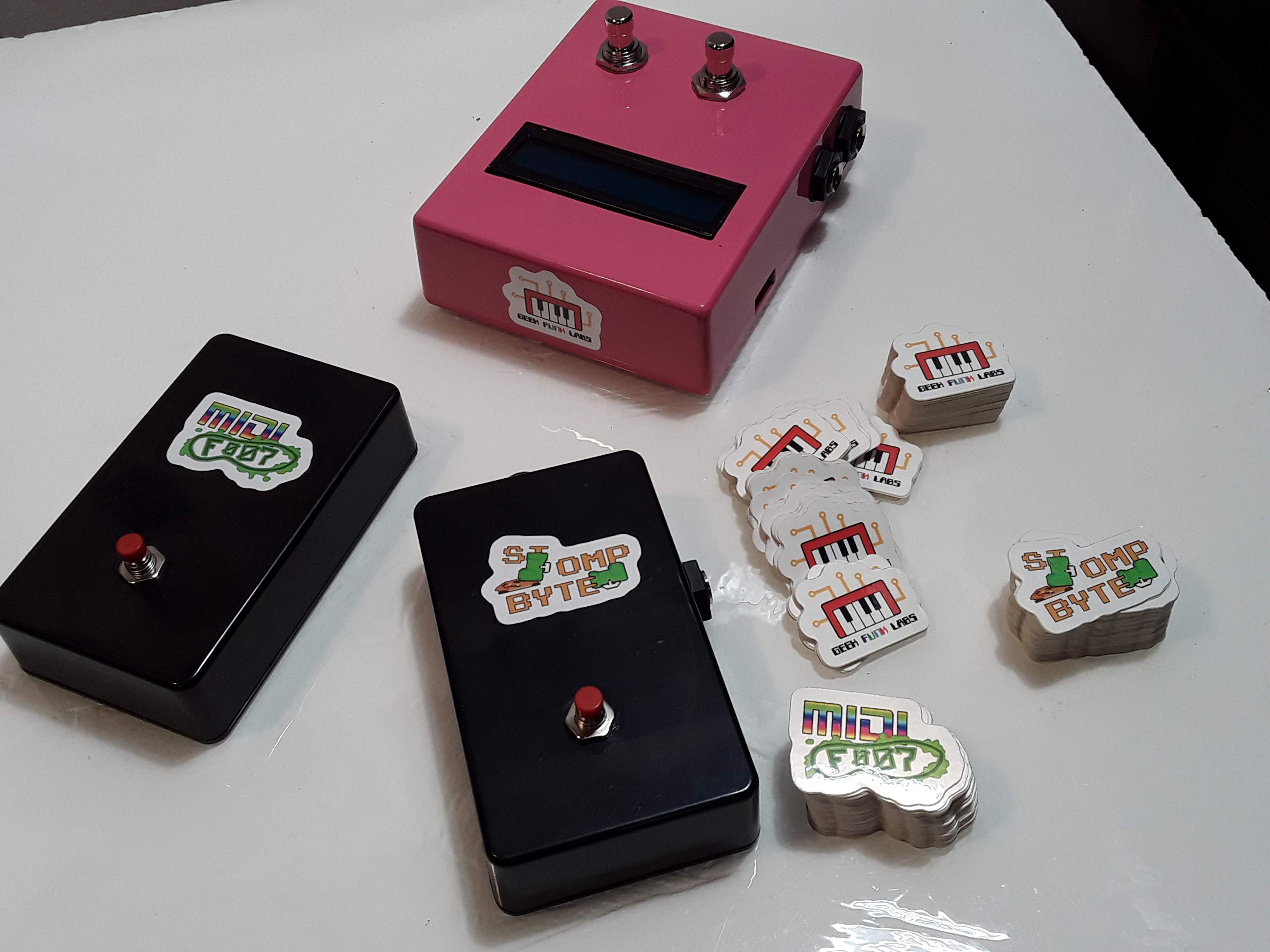
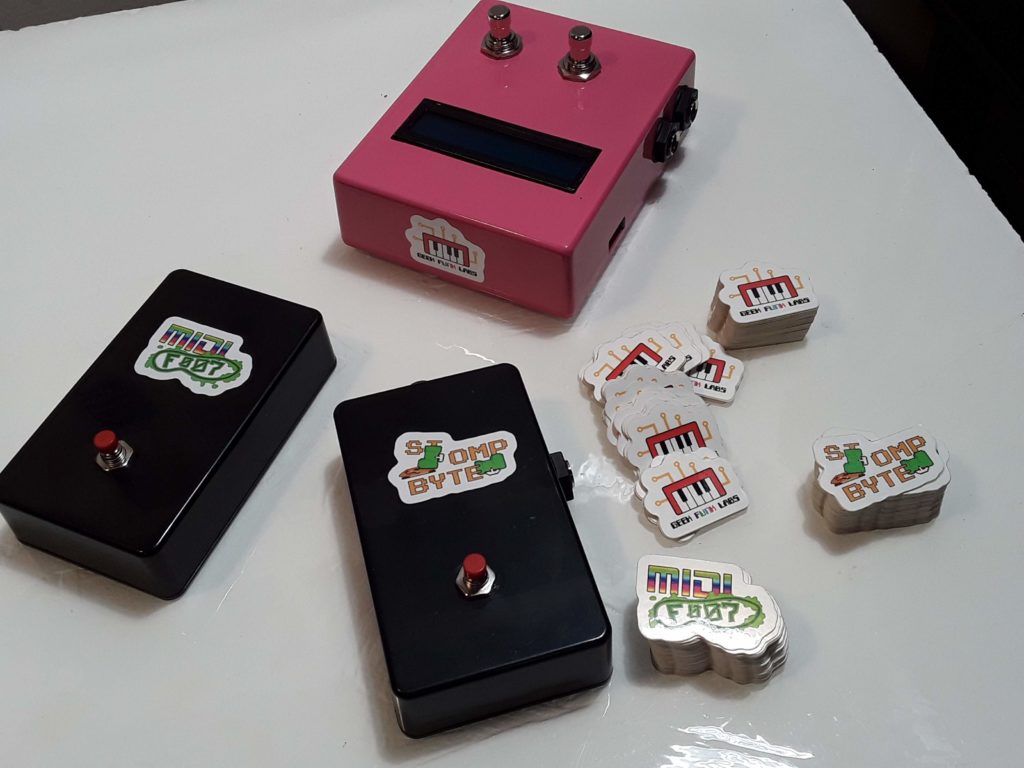
Stickers arrived today! Now I feel like I can show finished images of the MidiFoot and StompByte, and work on getting build instructions for the kits up on Hackaday and building the Tindie store pages. Coming soon!
-
On Being a Hack
Putting together lessons and videos for Fluidsynth has been instructive, as these things always are. Nothing exposes the mistakes in my code or errors in my thinking like trying to teach to someone else, which something I’ve always found in my more traditional teaching role as well. It’s useful but also a humbling yet comforting reminder that (certainly) I (and probably everyone else) go through life trying to understand and get better at a lot of things we have to pretend we’re good at. That’s one reason I like working on these musical gadgets so much – I feel like I can create something worthwhile and useful even though I am by no means pro at any of the skills involved – coding, engineering, etc.
We’re all hack to varying degrees at just about everything, and in the end what matters is what you create.
-
FluidPatcher Lessons
I posted the first of a series of lessons on using FluidPatcher on YouTube! I’ve been meaning to get these up for a while, hopefully they show people the amazing versatility of this software in making your own perfect DIY synth module!
-
Leveling Up
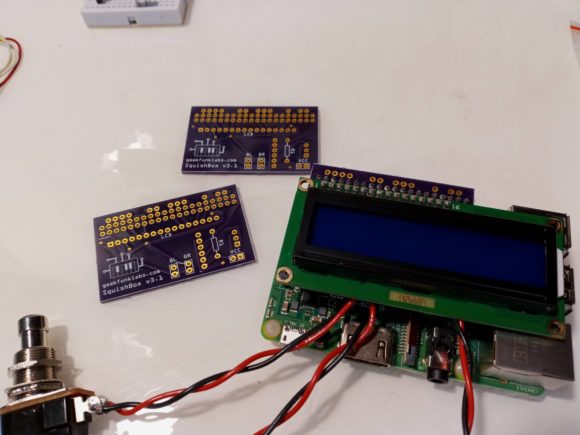
I sold out of my first batch of SquishBoxes that I built using standard perfboard, so I decided to get serious and print some PCBs. This will make the next batch of SquishBoxes a bit sturdier (and less expensive, since I can put them together more quickly and with less parts), and also lets me offer the SquishBox as a kit for the more DIY-inclined (Pi, enclosure, PSU not included). I also designed the PCBs for the other two products I plan to offer – the MidiFoot and StompByte.
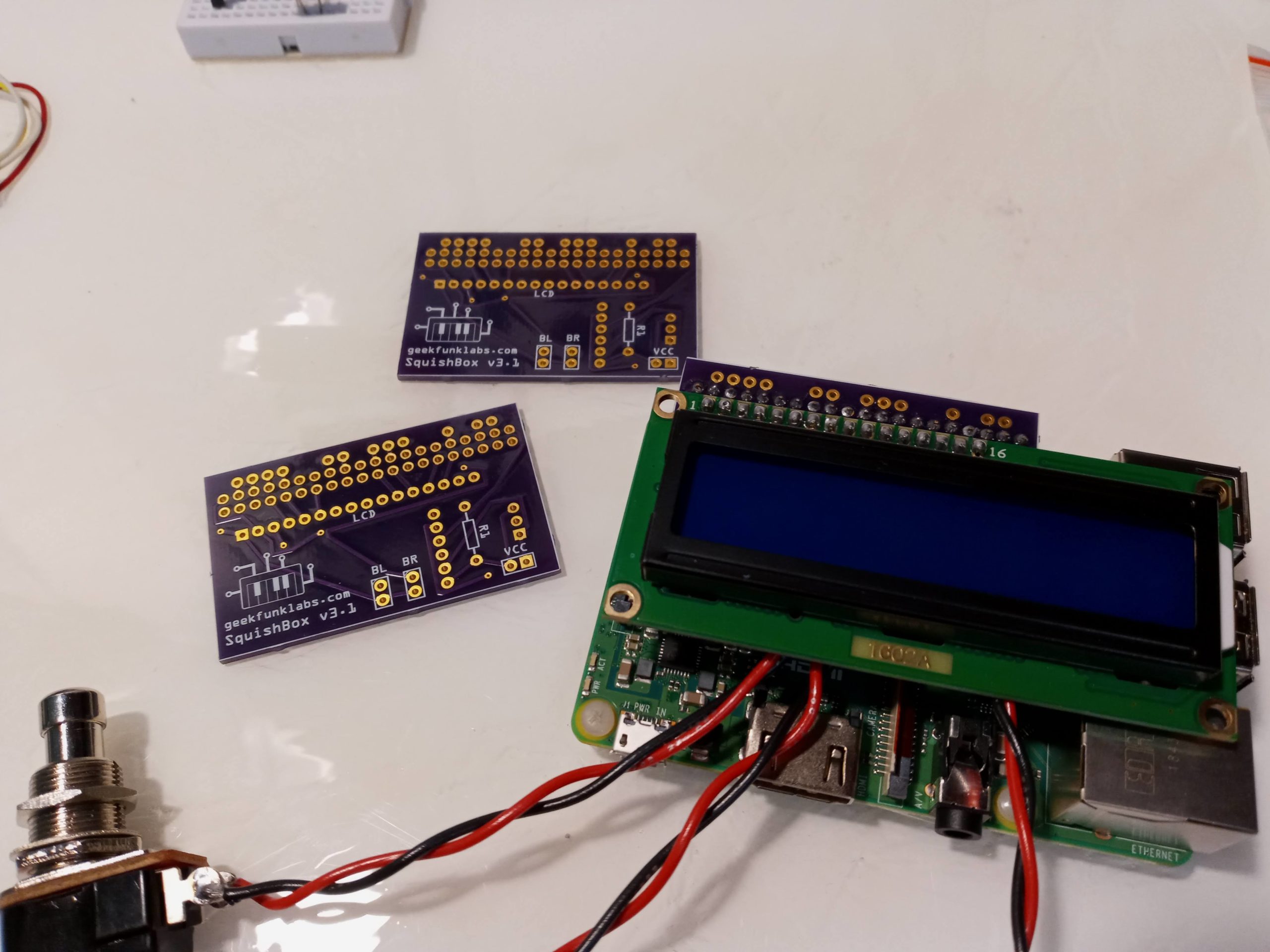
I got three copies of my first SquishBox PCB design from OSHPark and put a test unit together, which you can see in the gallery below. I tweaked the design a bit after this, adding some edge solder pads, optional 9V->5V power regulation (response to a user request), and got artistic with the location of the vias. Should have some more complete units, plus kits and some new toys available in the Tindie store within the next couple months!
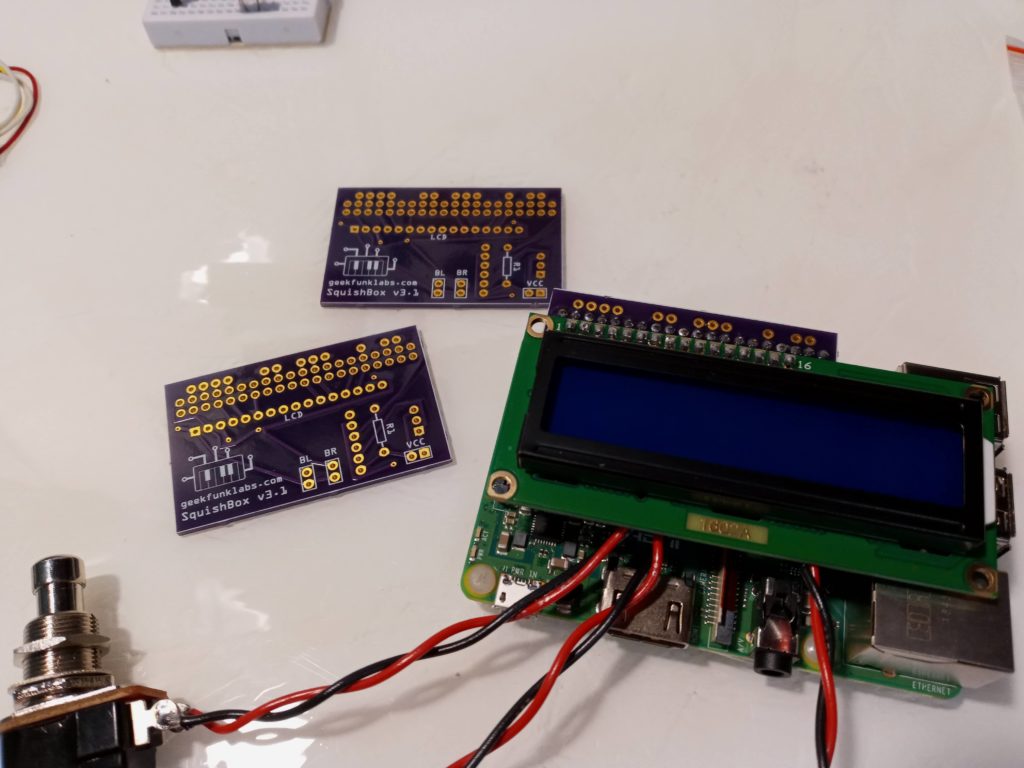
prototype PCB 
prototype Pi hat with LCD and sound card (blue trimmer is LCD contrast) 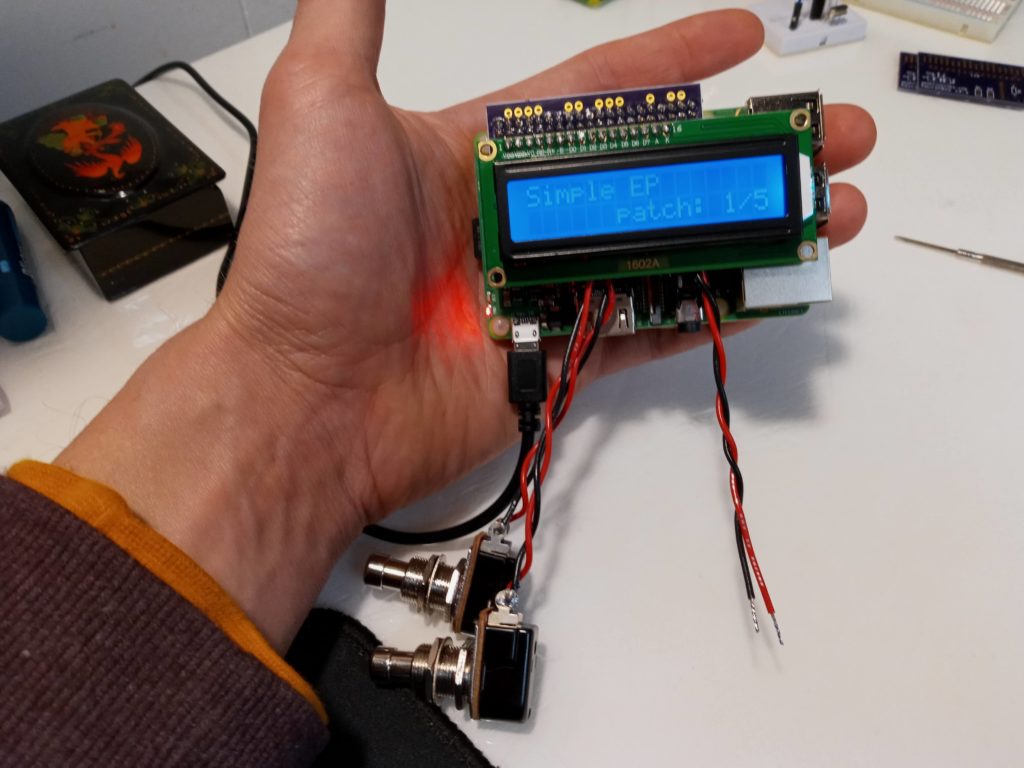
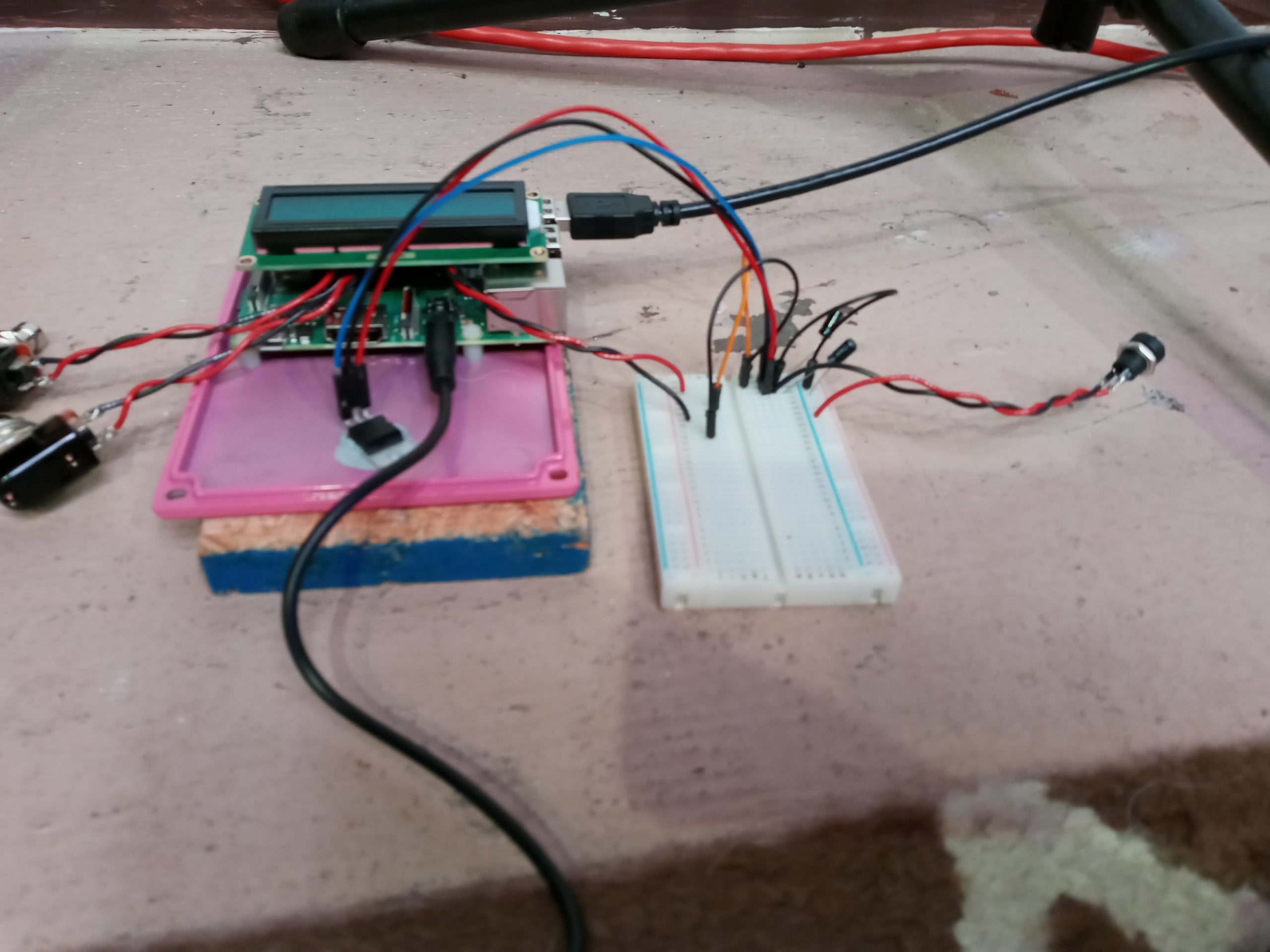
LCD works (loose wires are for DC jack) 
Full synth test 
Trying out 9V power using LM7805 (needs heatsink – enclosure lid works fine) 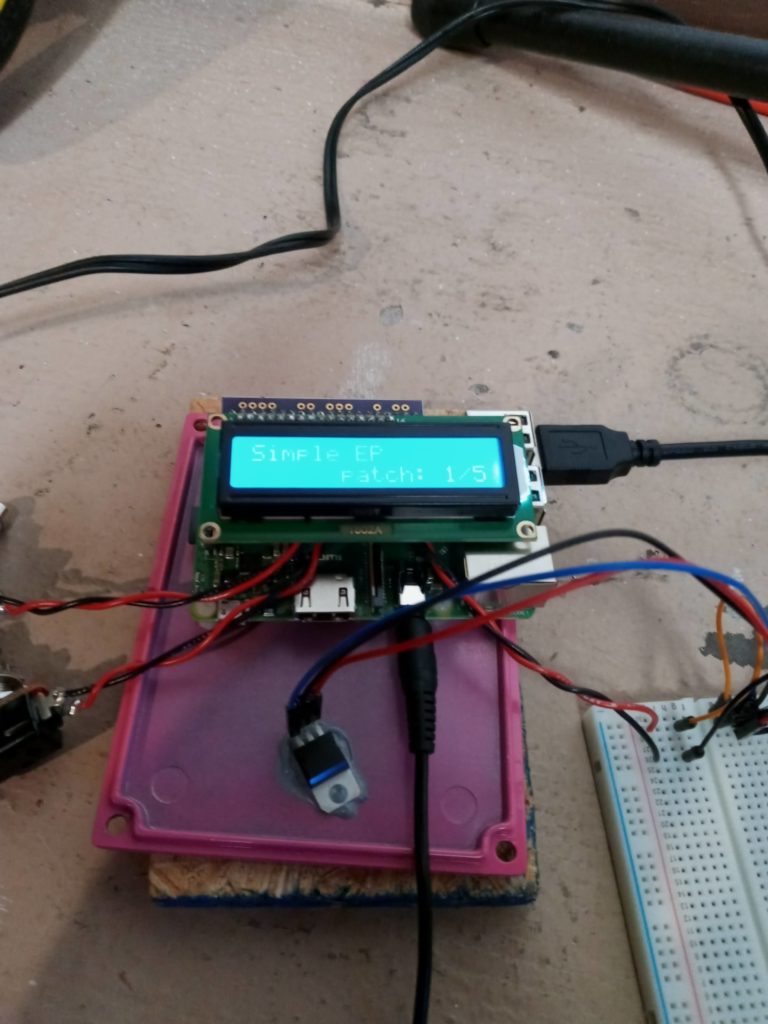
Current draw is <90 mA 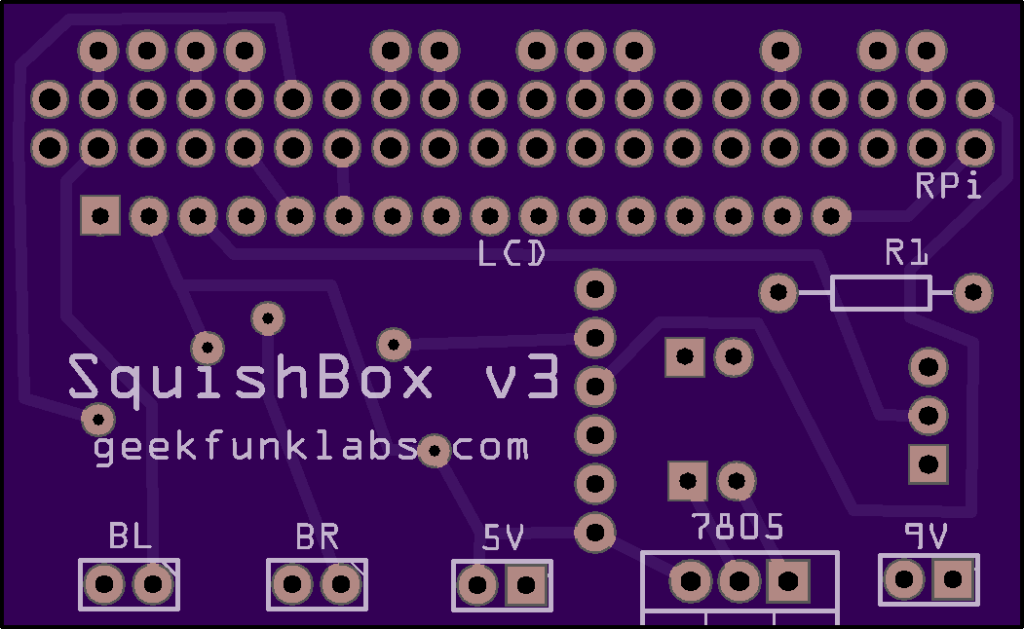
updated PCB front 
updated PCB back
-
New Thing – StompByte!
A few years ago I cobbled together a quick build of a digital stompbox using the PCMAudio code running on an ATMega328p to play 8-bit audio samples off one of the PWM pins. I built it into a cheap plastic sustain pedal, used it for a duo gig with a friend, then stuck it in a drawer. Last weekend I decided to resurrect it. I added a few more samples, added a step patterns feature, and put it in a nice aluminum enclosure with a more robust stompswitch – and the StompByte is born!
The sounds are very low-res from the resampling to 8kHz, but the kicks and other percussion have a nice feel to them nonetheless and feel good to play to. I feel like the rough quality and inexpensive build is in the same DIY spirit as the classic wooden stompbox with piezo pickups. I stuck some Mario sounds in too (mostly for funs, but hey maybe someone will use them). Planning to sell this as kits and as finished builds on Tindie. Perhaps get some friends to build a few artsy enclosures for them?
Project details on Hackaday, and here’s a video:
-
Squishbox Editor: FluidPatcher Desktop Mode
FluidPatcher has had the wxpython-powered desktop implementation wxfluidpatcher.pyw for a bit, but I’ve added a couple things to make it more complete (e.g. settings menu) and written a simple implementation of Python’s socket library so it can remotely connect to a SquishBox or headless RPi synth – this means you can use it on Windows, Max, or desktop Linux to create, edit, and test patches on the SquishBox without needing to do any cumbersome ssh and text editing via the terminal – you can instantly refresh your edits to hear what they sound like! It’s made my patch creation process much quicker and smoother.
wxfluidpatcher is also a good place to start if you’re interested in the Squishbox and want to get a feel for the sound and for what you can do with patches. I’m working on a series of lesson videos for the YouTubes on creating patches and banks – keep an eye out!